We now use SmartRec by Amilia to handle all registrations.
Amilia is a Canadian company based in Montreal.
The SmartRec platform offers a number of improvements over our previous system, including digital check-in and check-out during camp.
This guide will review how to get started in the new system, finding programs, adding child accounts, and completing your order.
Creating an Account
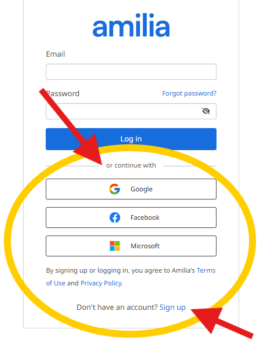
You’ll need to create an account and login before registering for any programs. Once you’re at the KPC storefront you can access the login screen in two ways:
- Click the Login or Sign UpÂbutton in the top right corner of the screen.
- Click Register for sessionÂon any program when not logged in.
SmartRec supports Single Sign-On, so you can use your existing Google, Facebook, or Microsoft account to quickly sign up and login.
Selecting a Program
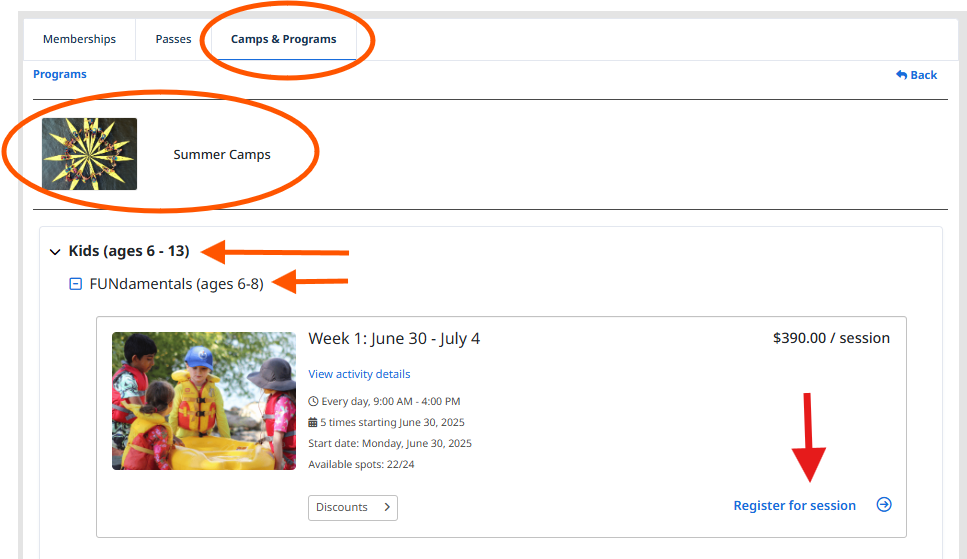
Camps are organized by age and then date. For instance, to find the camp for Week 3 FUNdamentals (ages 6 to 8) you would:
- Navigate to the Camps & ProgramsÂtab.
- Expand the options for Kidsthen FUNdamentals.
- Select Register for sessionÂin the box for Week 3: July 14-18.
- You’ll need to be logged in to proceed.
Adding a Person
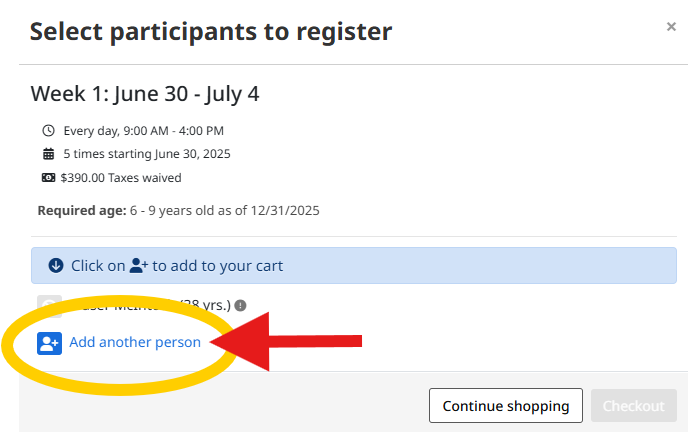
Clicking Register for sessionÂopens a pop-up window to choose the camper(s) to register but first they need to be listed in your account. To do so, click the Add another personÂbutton and enter the camper’s information. If they are already listed in your account, simply click the blue icon next to their name.
Completing Your Order
Some optional items may pop up as you head through check-out, such as adding Extended Drop-Off & Pick-Up or helping to offset payment processing fees. Click through according to your preference until you reach the checkout.
There are three checkout steps:
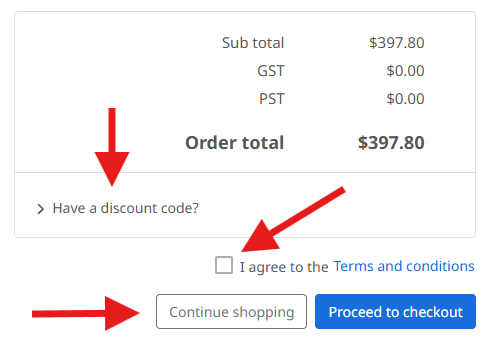
- Order– On this screen you will review your cart and total price, enter any discount codes (just below the Order total), and check the box to agree with the Terms and Conditions after reviewing them with the provided link.
- Information –On this screen you will provide any required information to complete registration, including the camper’s details. This replaces the Google form used in previous years.
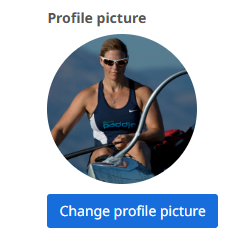
- A profile picture is required for each camper.
- Amilia is a level 1 certified PCI DSS service provider so your data is well protected.
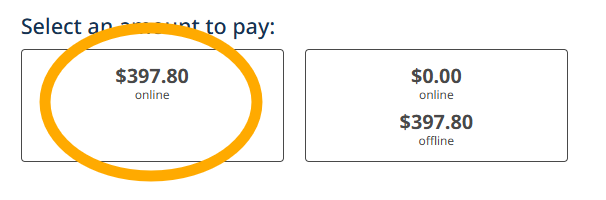
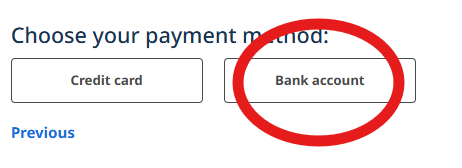
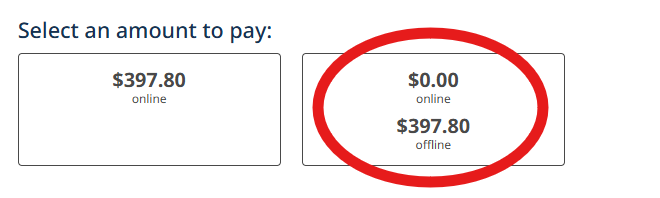
- Payment– You can choose to pay online with credit card or bank transfer, or to make your payment offline.
- We will follow up by phone or email to arrange offline payments by cash, cheque, or Interac E-transfer.
Please consider paying offline or by bank transfer as it helps to reduce our costs.
CHECKOUT STEP 1 – ORDER
CHECKOUT STEP 2 – INFORMATION
CHECKOUT STEP 3 – PAYMENT
OR